


New Release – Market Dojo Sourcing Custom Fields


About Custom Fields
It is important to ensure that all data is being recorded and centralised so that teams can be confident processes are being followed and the company is audit-ready.
This can now be done quickly and easily for Market Dojo Sourcing, as well as across all of our other modules, with the new Custom Fields feature.
Custom Fields allow you to ensure adherence to workflow rules; mandating users to complete all fields and therefore follow due process.
This feature also opens up the possibility for you to create more powerful reports by drilling down using the metadata recorded.
Centralised Configuration
For users with appropriate permission, the option ‘Custom Fields’ will show under the ‘Cross-Module’ header of the Admin drop-down.

On-click you will be presented with a single screen for configuring your Custom Fields.
A Custom Field must have a title and a type.
The types to choose from are:
- Text
- Number
- Date
- Checkbox
- Pick One from List
- Multiple Choice
Watch the short demo below for more information:
Sourcing
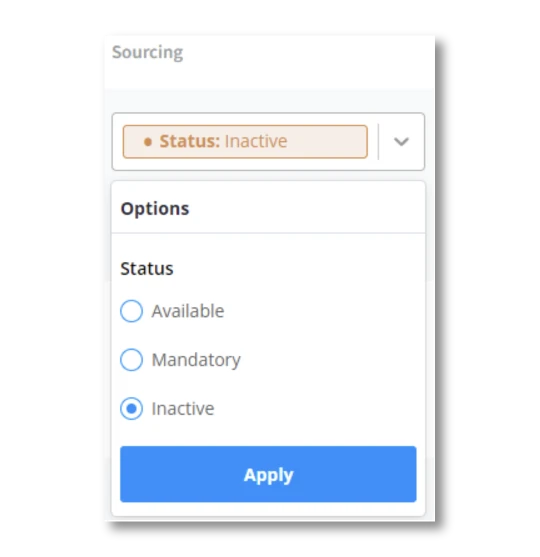
The column for Sourcing is configurable by users with ‘Event Tagging’ edit Host Permission.
Fields can be configured to be ‘Available’, ‘Mandatory’ or ‘Inactive’.
For those previously using Event Tags, these have been converted to Custom Fields with equivalent titles and options.
Here’s a quick demo of how to configure Custom Fields:
If you have any questions about this new feature, please get in touch with your Account Manager or contact our Support Team via the portal or email [email protected]
 February 16, 2024